Deleting your user account
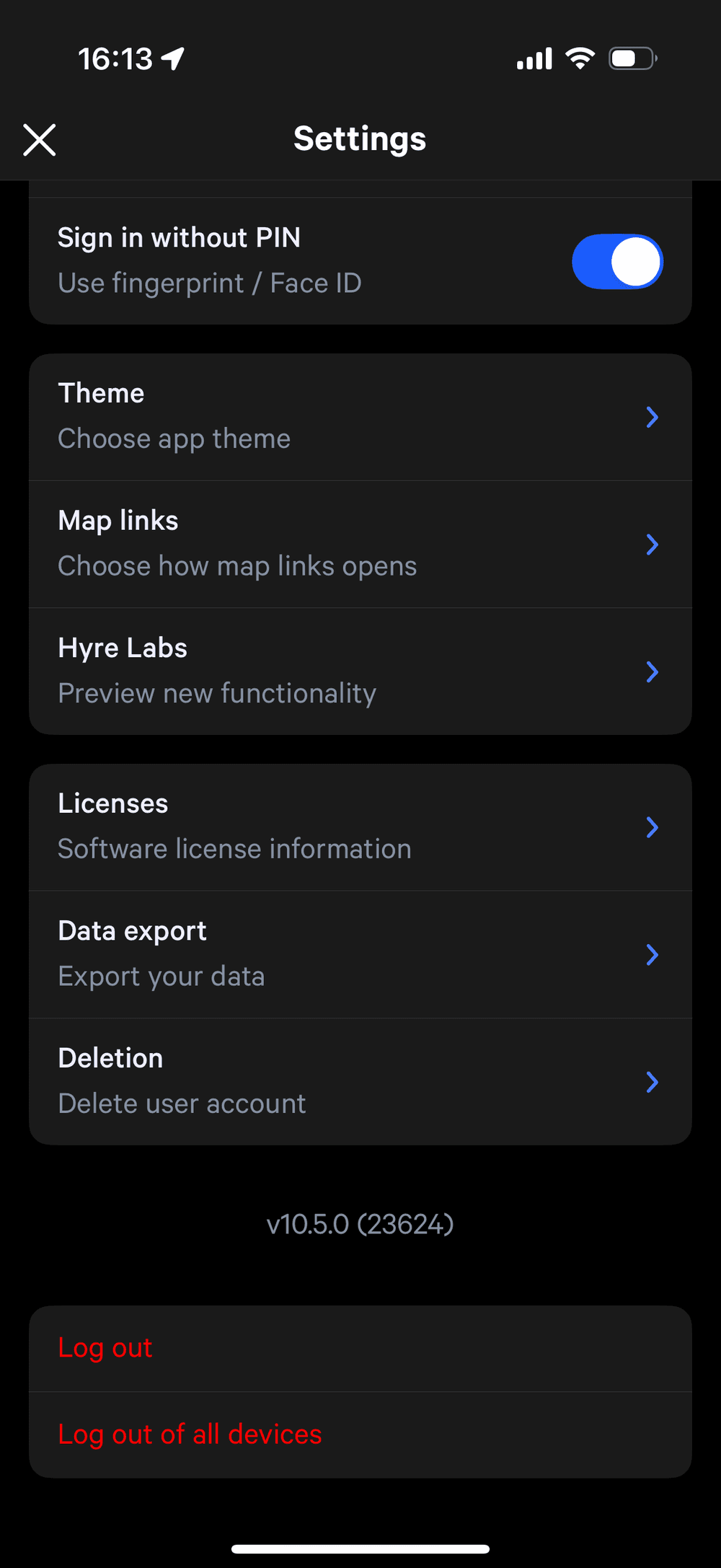
The "Setttings" view, showing a menu where you can click "Deletion" to open the view describing deletion terms, and allowing account deletion.
You can request your account to be deleted in the Hyre app.
Open the side menu, and click "Settings".
Scroll to the bottom of the settings page and select "Deletion".
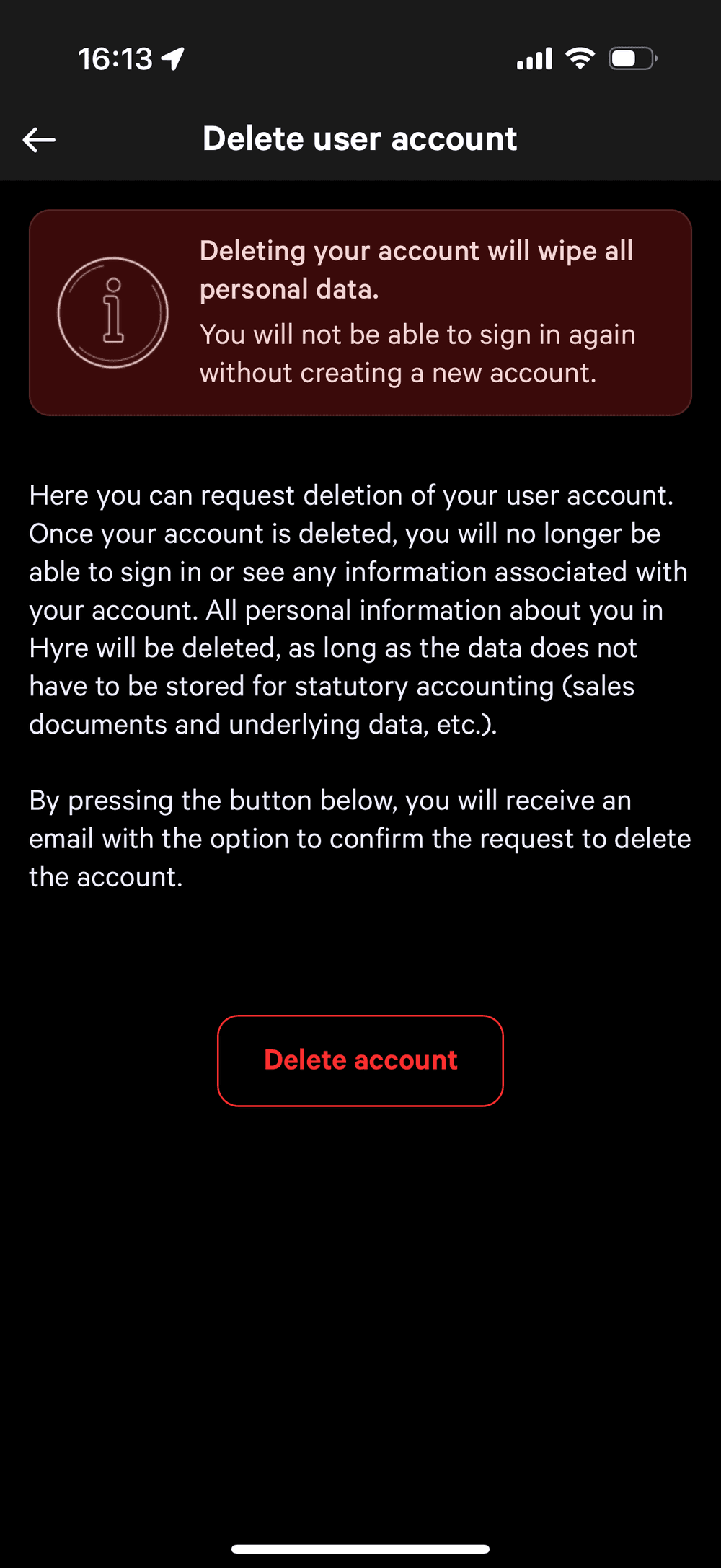
The "Delete user account" view, where you can choose to permanently delete your account
Click "Delete account", and then confirm deletion by following the link in the email you receive.
All personal information will be deleted, as long as the data does not have to be stored for statutory accounting (sales documents and underlying data etc.)
You will no longer be able to sign in or see any information associated with your account.